How to Use Uniswap: A Step by Step Guide
Johnny J Nov 04, 2020 03:54
Uniswap is one of the most popular decentralized exchanges, where no registration is needed. Here's our detailed guide on how to use it.

We blockchain.news forked from the Uniswap exchange to Worldmoney exchange. The tutorial is based on Worldmoney exchange.
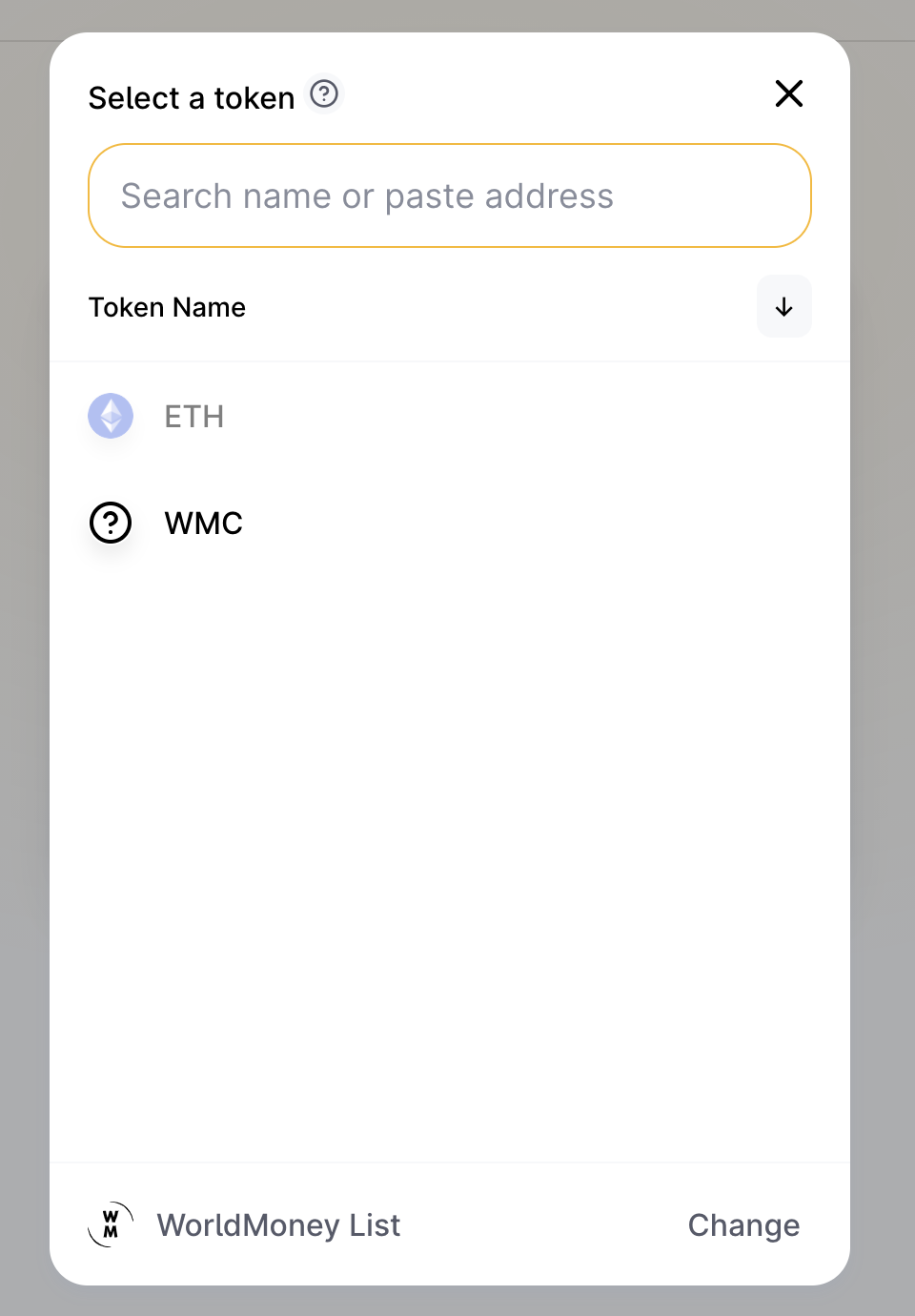
First, you could choose from the list of tokens to find if the pair of token you want to trade exists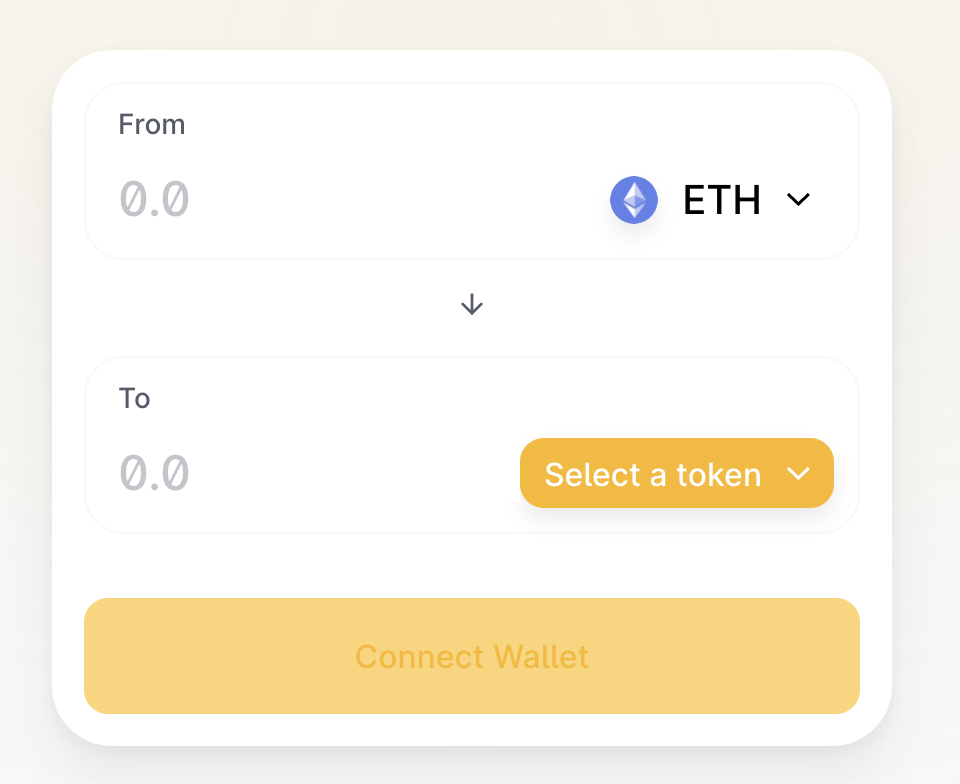
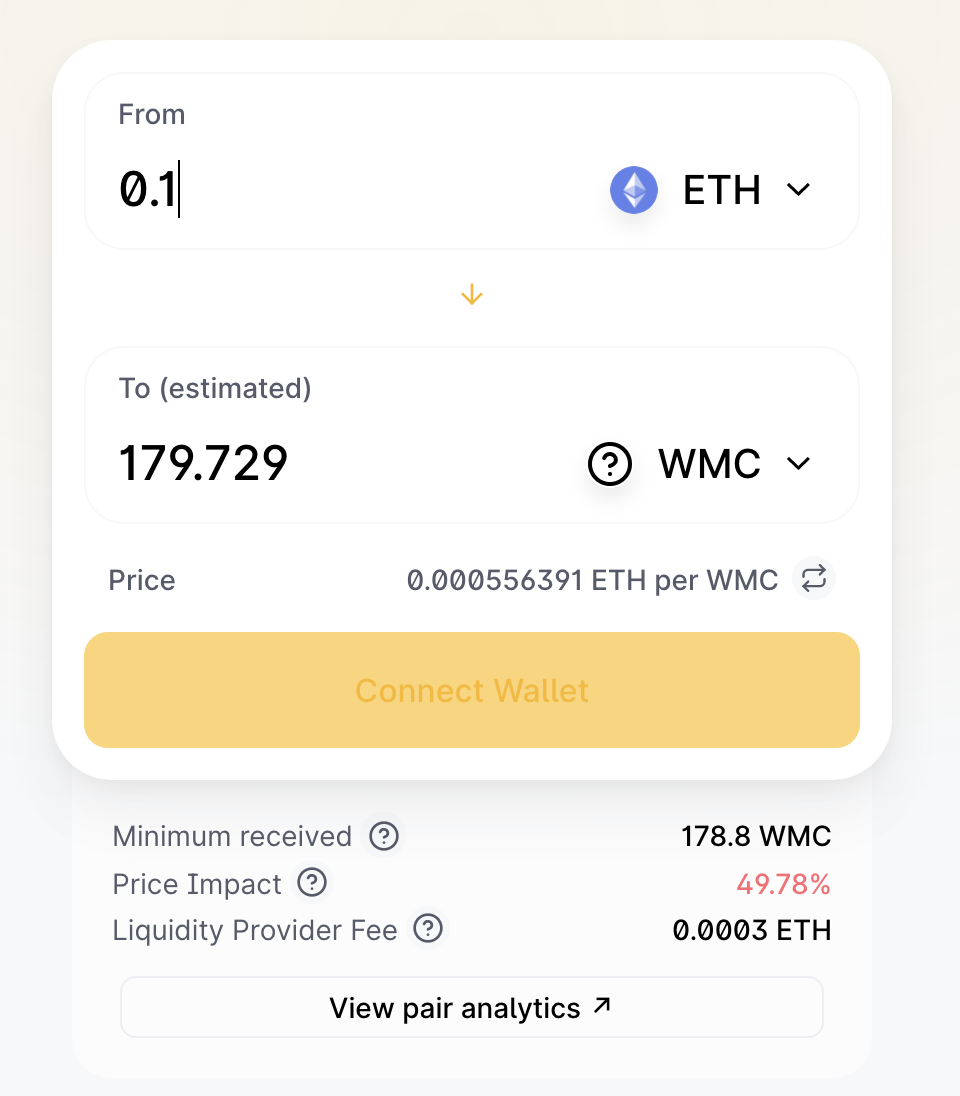
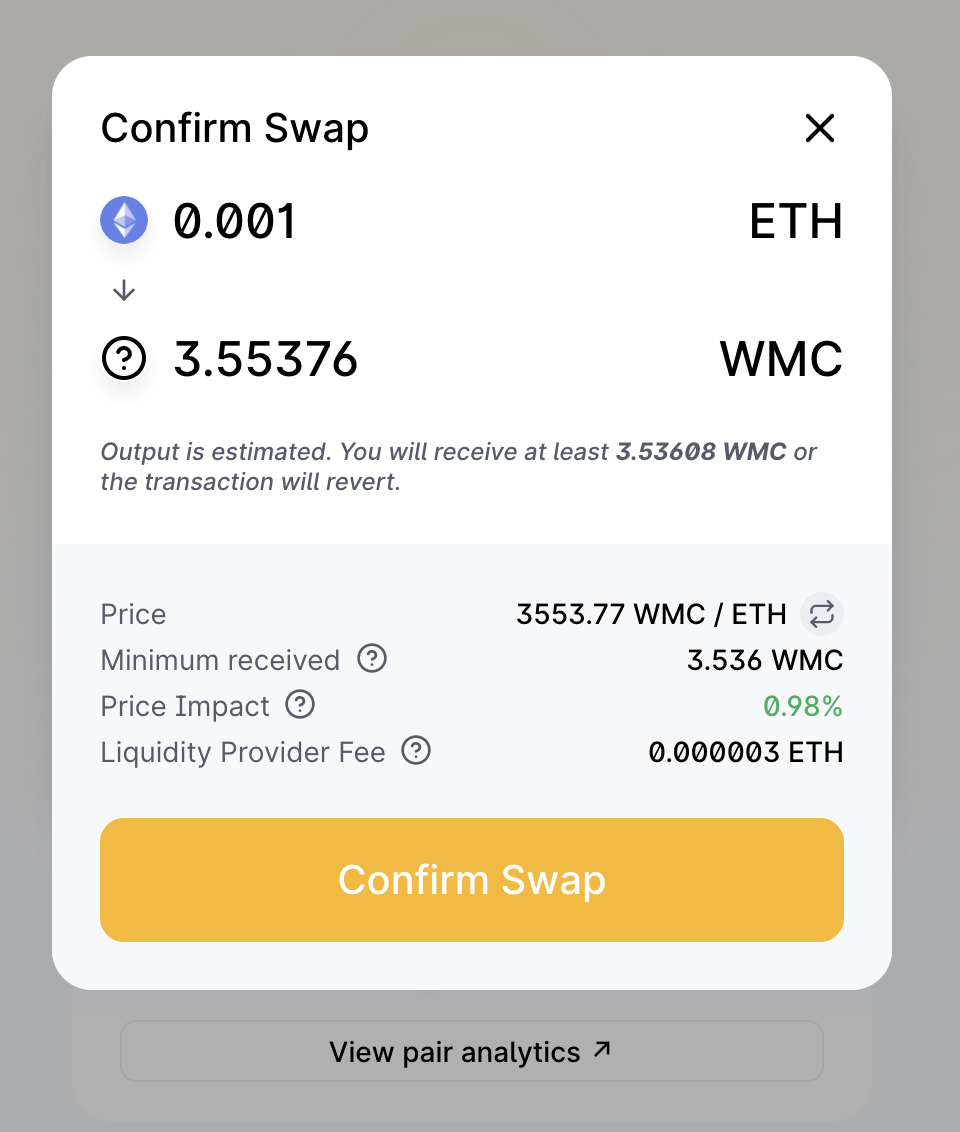
You could fill in how many tokens you want to sell, then the estimated output will be shown. Minimum received to let you know the bottom line of gain in this trade. The liquidity provider fee is the handling fee you are going to pay to the pool, it is 0.3% at Uniswap.
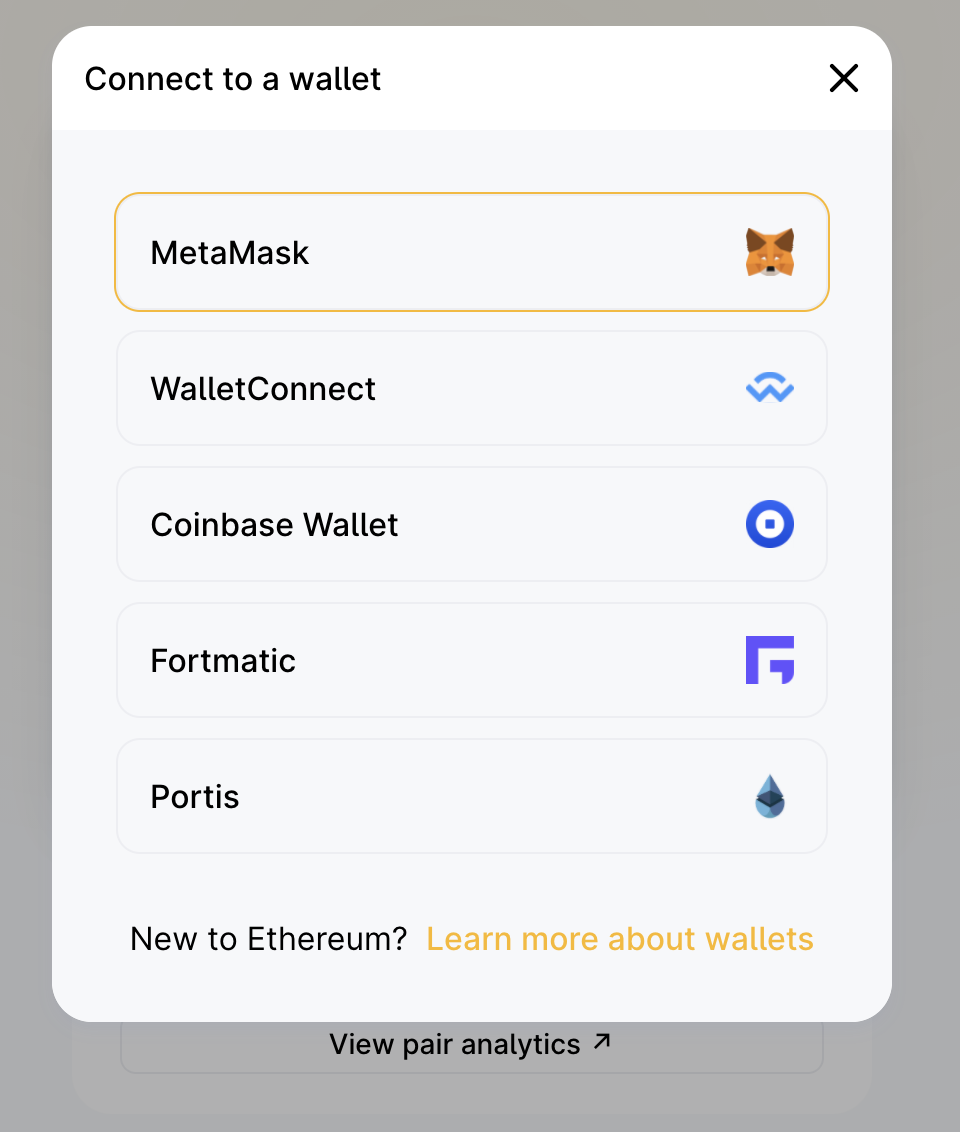
Then you can connect exchange to your wallet. There are some options like MetaMask, WalletConnect, Coinbase Wallet, Fortmatic, and Portis.
After confirming the Swap, your trade will be completed when the blockchain contains your transaction is mined.
Other than swap, you can also provide liquidity to the pool for some income. As mentioned, handling fee is paid to the pool when someone used the swap service, providing liquidity will allow you own a portion in this pool.
No matter the token pair exists, you can still provide liquidity to the pool. The first person who contributes to the liquidity of trading pairs is the one who defines the init trading ratio.
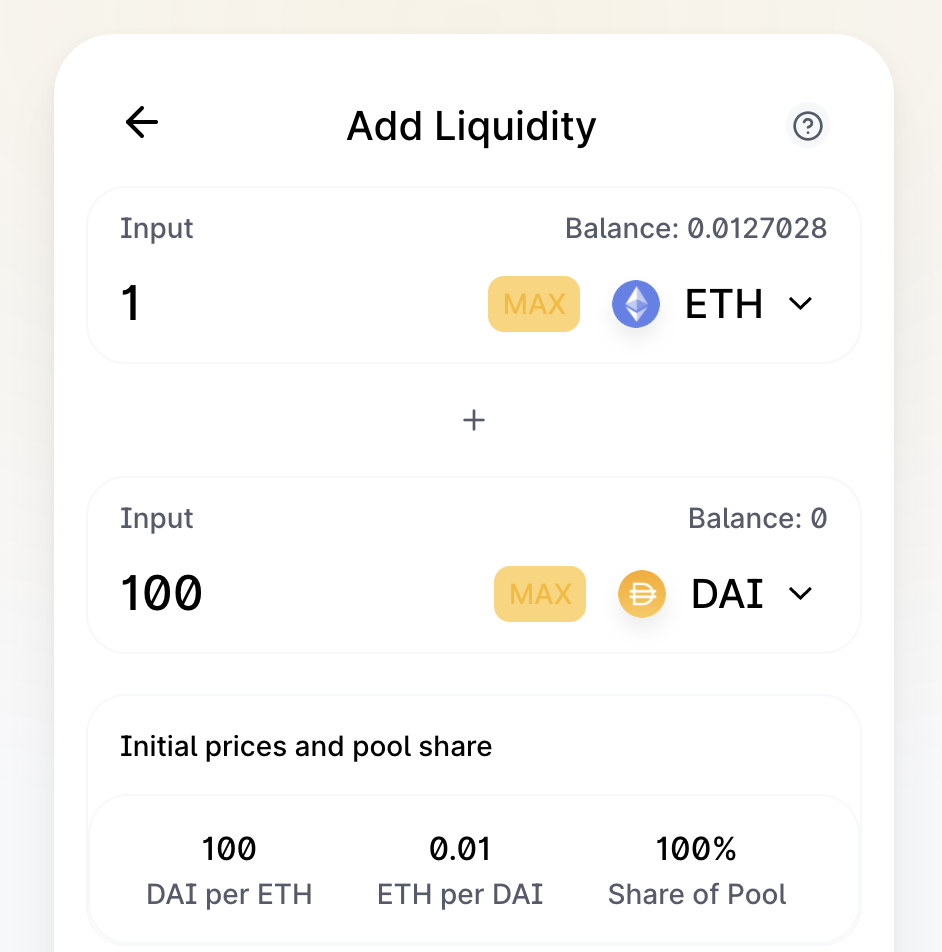
Simply choose the token pair you want to add liquidity, then approve the pool accept your token. Finally, after the transaction of sending both token to the pool, the process is competed by rewarding you LP, it is a proof that you own the share of trading pair's pool. You could withdraw tokens by LP you got.